Skoll World Forum
Let’s come together to accelerate innovative solutions to the world’s most pressing problems
Skoll World Forum Update
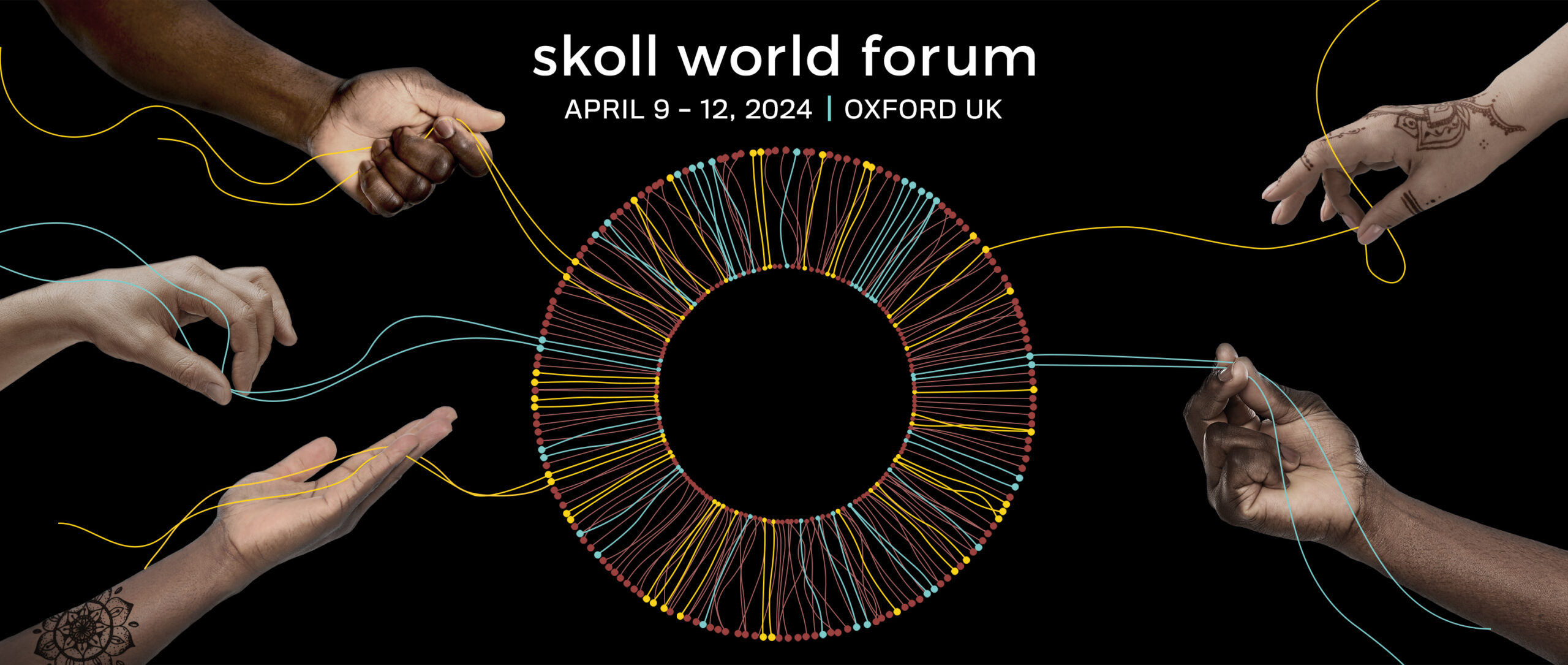
The 2024 Skoll World Forum will take place April 9–12. Visit our Frequently Asked Questions (FAQs) for access to the latest information and program.
Overview
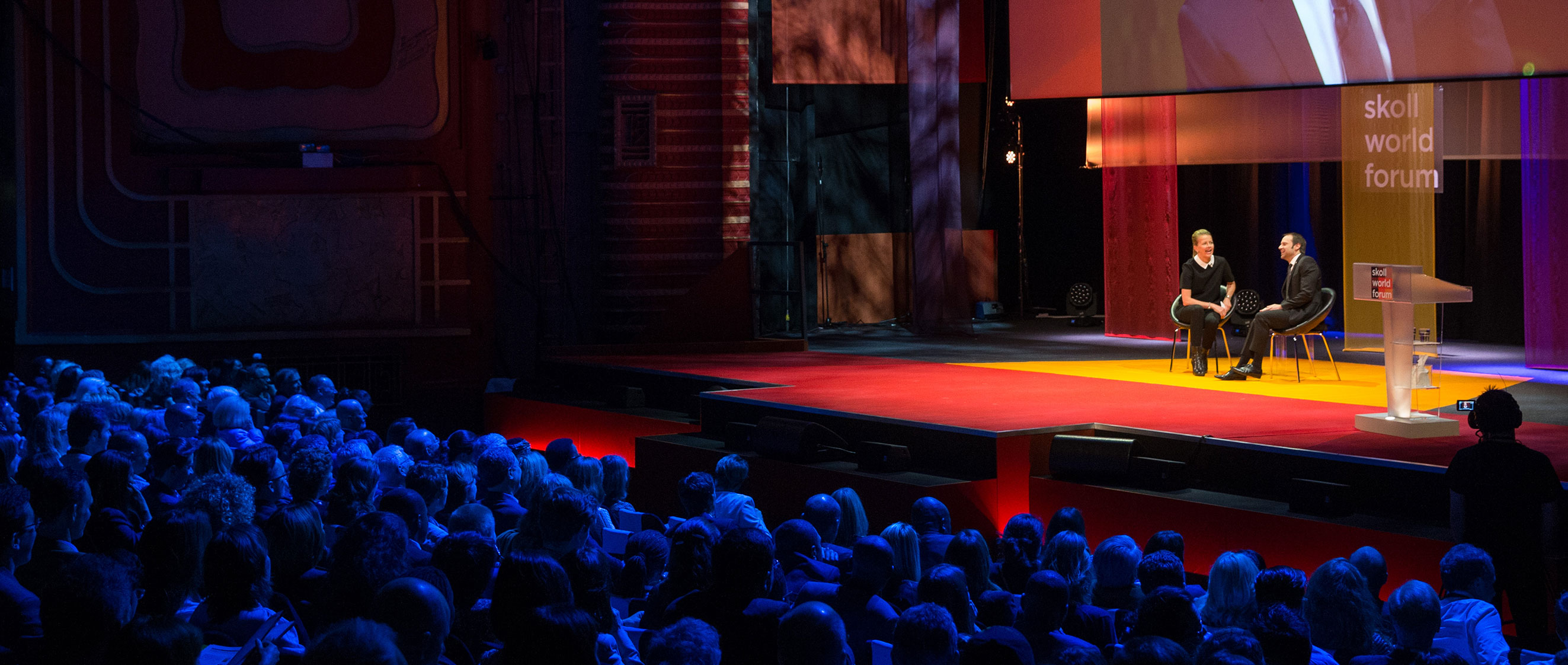
In the spirit of collective action, we annually convene our growing network to collaborate on social change.
The 2024 Skoll World Forum will take place April 9–12 in Oxford, UK and online. Forum attendance is curated by the Skoll Foundation team, with free virtual participation open to everyone.
Even as the world’s problems accelerate faster than solutions, exciting windows of opportunity are opening across sectors. Together, we will explore opportunities to unite and drive enduring change.
15+years of events
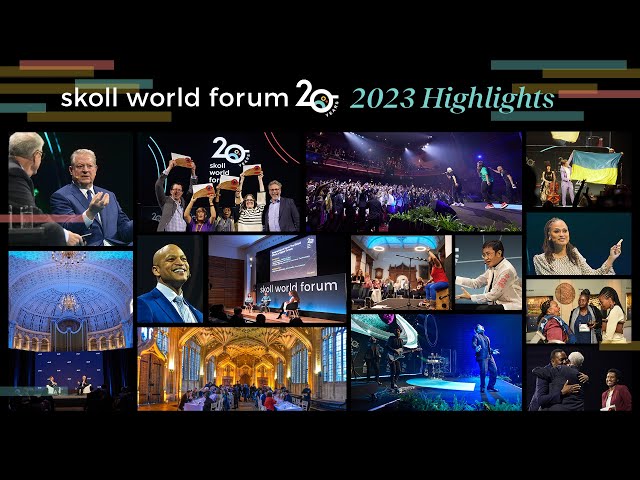
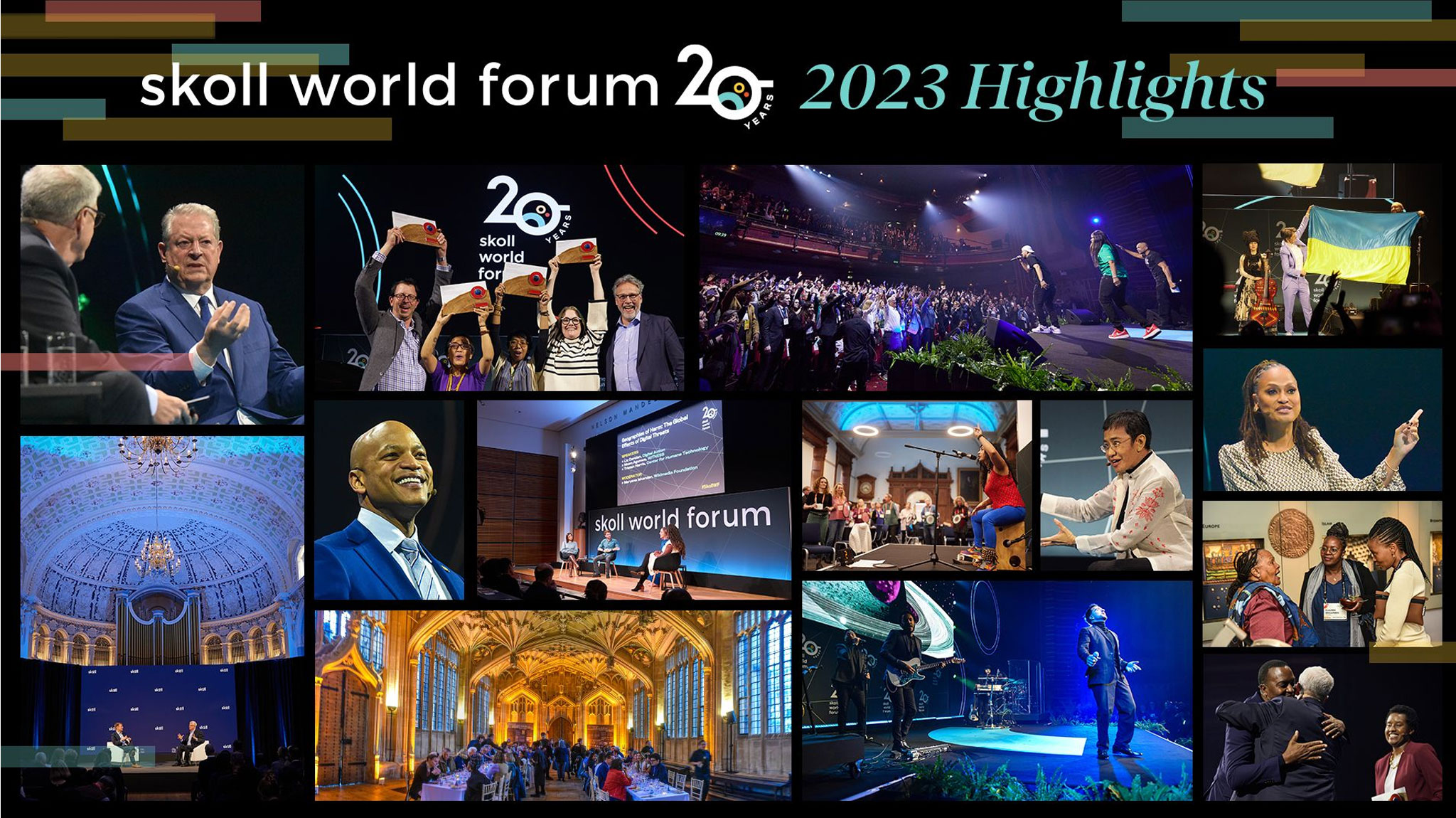
Since 2004, we’ve gathered thousands of delegates from more than 100 countries.
100+speakers annually
Each year, our team curates dozens of speakers who reflect a range of global voices and experiences.
Join Us Online
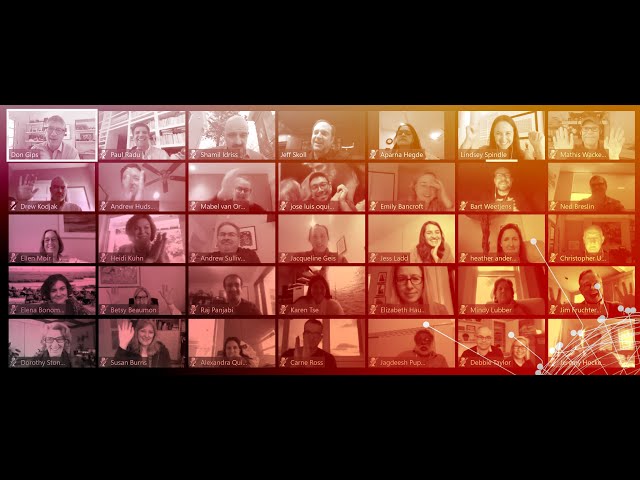
Join the Forum online to watch plenaries and select sessions and network with other attendees. Virtual participation is free and open to everyone. The registration deadline is April 8.
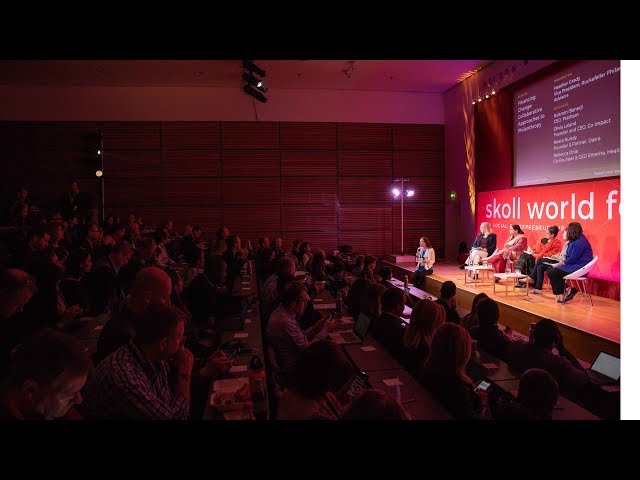
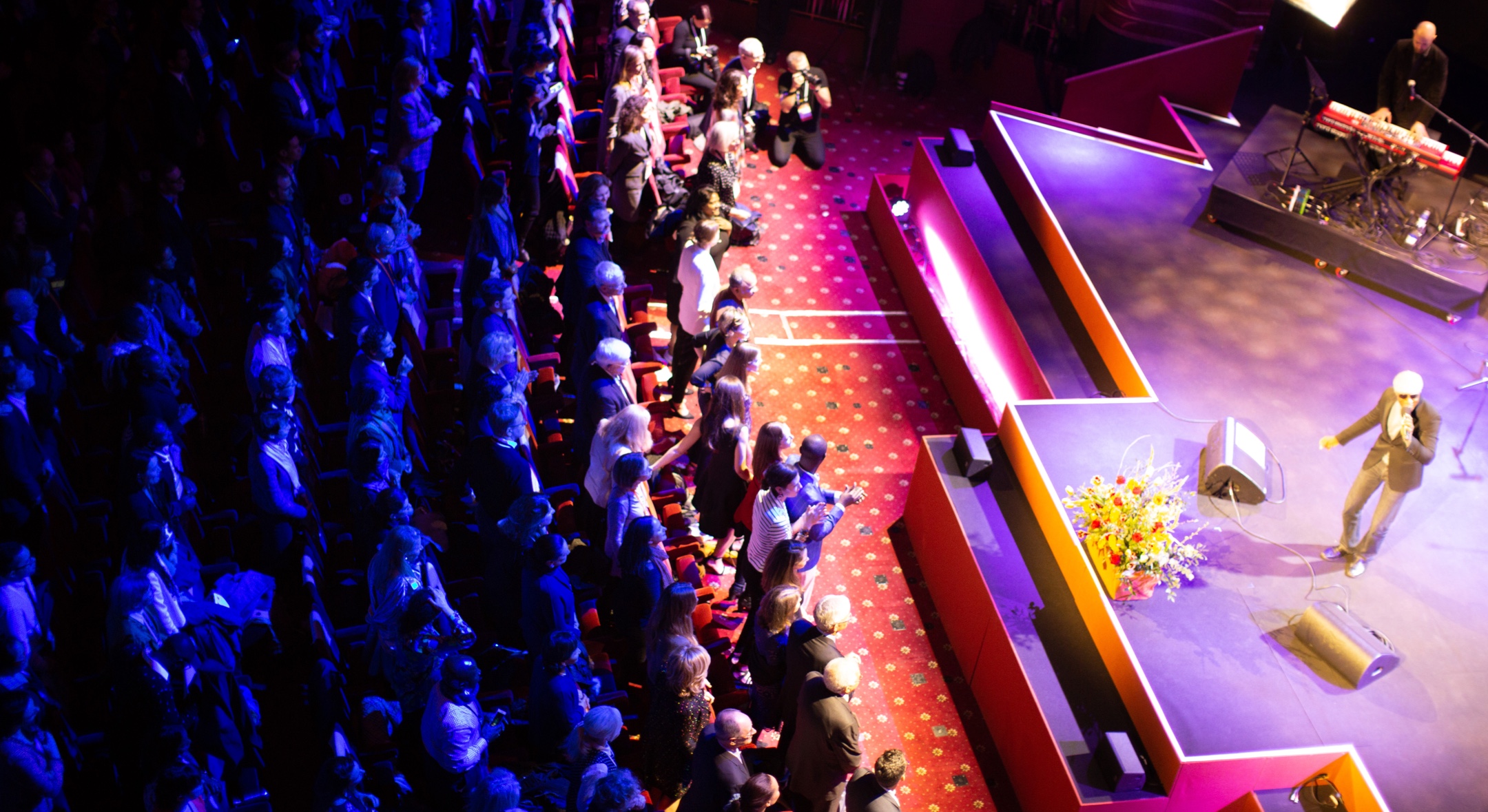
Browse the official Forum program to plan where you’ll participate. We’ll learn from 100+ speakers from across the globe alongside inspiring performances by artists and activists.